I finally have my hands on MacBook Neo. It took a little more than two weeks for it to arrive. I’m going to go into my first impressions of MacBook Neo.
Well, hello there
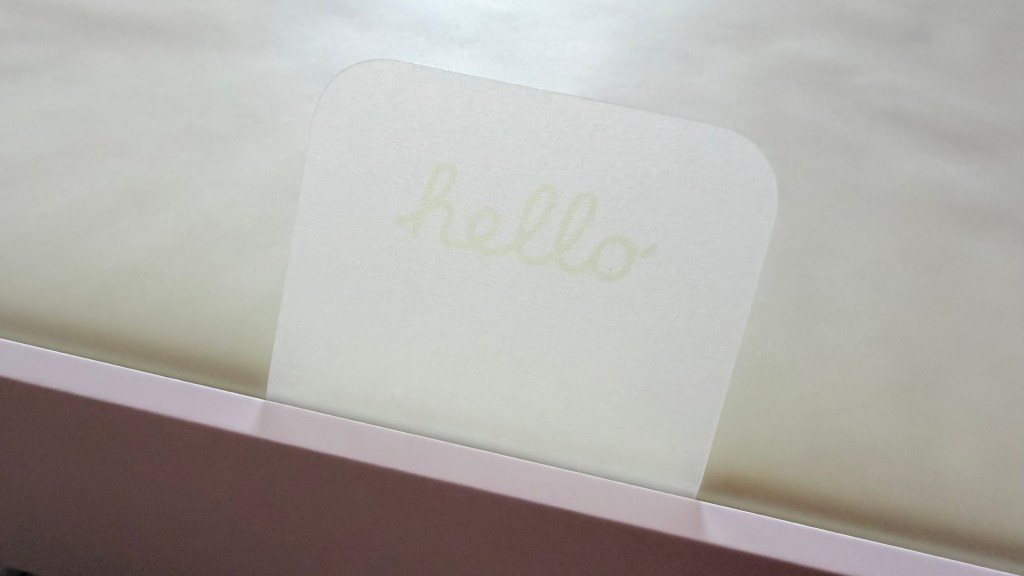
MacBook Neo came in the usual white box with a photo of the laptop on top and the name and Apple logo on the sides. When I opened the box, the pull tab had “Hello” printed on it. A nice touch there. Inside was the unit plus a USB C to USB C cable and a 20-watt charger. There was also a small manual introducing MacBook Neo. I lifted the laptop and removed it from the paper sleeve. I was pleasantly surprised with the weight and feel of the device. MacBook Neo is lighter than my 13-inch M4 iPad Pro in a bluetooth keyboard case: 1.23 kg versus 1.48 kg. In terms of dimensions, MacBook Neo measures at 29.75 cm by 20.64 cm by 1.27 cm (WxDxH). while the iPad Pro with the keyboard case is at 28.2 cm x 22.9 cm x 1.7 cm. A bit wider but thinner.
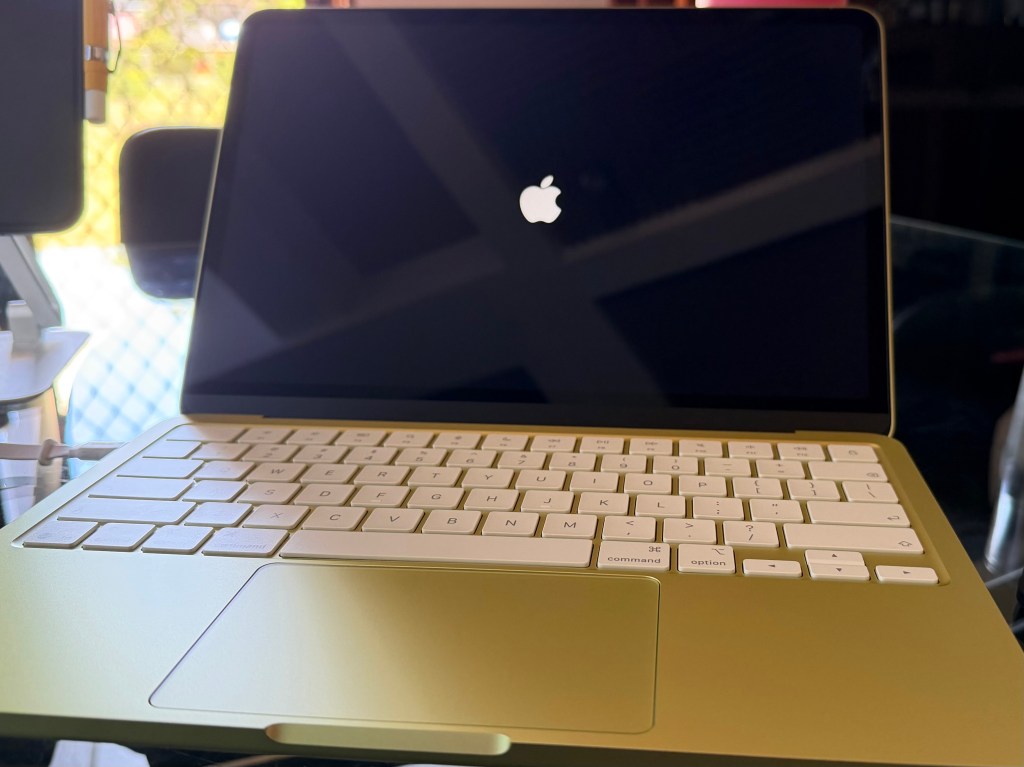
I’m using MacBook Neo fresh. I only installed necessary apps and didn’t turn on iCloud Photos syncing. As I have mentioned in a previous post, I use my iPad Pro in managing my patients and printing out prescriptions in the clinic. I use Ninox for this purpose and I’m glad that there’s a Mac app. I also installed FileMaker Pro, as I am trying to learn how to build a database in FileMaker Pro so that I can migrate my Ninox database. Though Pages, Numbers, and Keynote are bundled with every new Mac, I still installed Microsoft Office since I work with documents that do not play well with Pages, especially if there are any formatting or tables. For my research needs, the apps Mellel and Bookends are a must-have. Other installed apps are Zoom for online meetings, Viber for messaging, and LiquidText for PDF management and reading.
I plan to switch from my current iPad Pro/keyboard case setup to MacBook Neo. I have setup iPad Pro to wirelessly print to by clinic printer, a Brother DCP-T420w printer. I’m hoping to do the same with MacBook Neo. Until then, I’ll be using a printer cable to communicate with the printer for now. I’ll post my thoughts of using MacBoook Neo after a month or so.
MacBook Neo is going to be a game-changer for those who wants to get a Mac laptop but are unwilling to shell out ₱72,990 for a brand new MacBook Air. At ₱39,990, or ₱33,990 with education savings, getting a Mac laptop is more affordable than ever.
 Hurricane of the Mind