My first Mac was a second-hand iBook I bought from an acquaintance back in the early 2000s. I forgot what the specs were but I loved that device. Aside from it being my first Mac, it was also my first laptop. I was enthused that it had this magical thing called wifi, and I spent so many days in Davao City’s first cafe with a wifi hotspot, Basti’s Brew.
Fast forward a couple of decades, I have owned several iterations of the Macintosh computer: from an iMac to a Mac mini and a few MacBook Pro laptops. Currently, my Mac is a 14-inch M4 MacBook Pro which I use at home. In my practice, I carry around a 13-inch M4 iPad Pro in a third-party bluetooth keyboard case. I use iPad Pro for my patient database management and for printing out prescriptions via a wireless printer. I also use iPad Pro for reading journals and books, for doing light research, and for some social media.
The iPad Pro/bluetooth keyboard case setup has worked well for more than five years but I wanted to try a different approach. I started getting the itch to use a laptop for work since I started dabbling in FileMaker Pro. I wanted to shift my current database setup to FileMaker and though I am able to learn FileMaker Pro on my MacBook Pro, I wanted to also be able to edit my database while I’m at work. I didn’t cherish the idea of carrying two devices to work with me, so I started thinking about getting a second laptop. MacBook Air came to mind as a possible replacement to my iPad Pro, however, I never pushed through with the change. I wanted something smaller than MacBook Air, and perhaps something cheaper. I had a small and light laptop back in 2015. It was the 12-inch MacBook. Alas, it was underpowered and expensive, and eventually was discontinued. I kept hoping that MacBook would make a return equipped with Apple’s own chips. Then the rumors of Apple releasing a low-cost MacBook started two to three years ago. I hoped that it was true. So I waited.
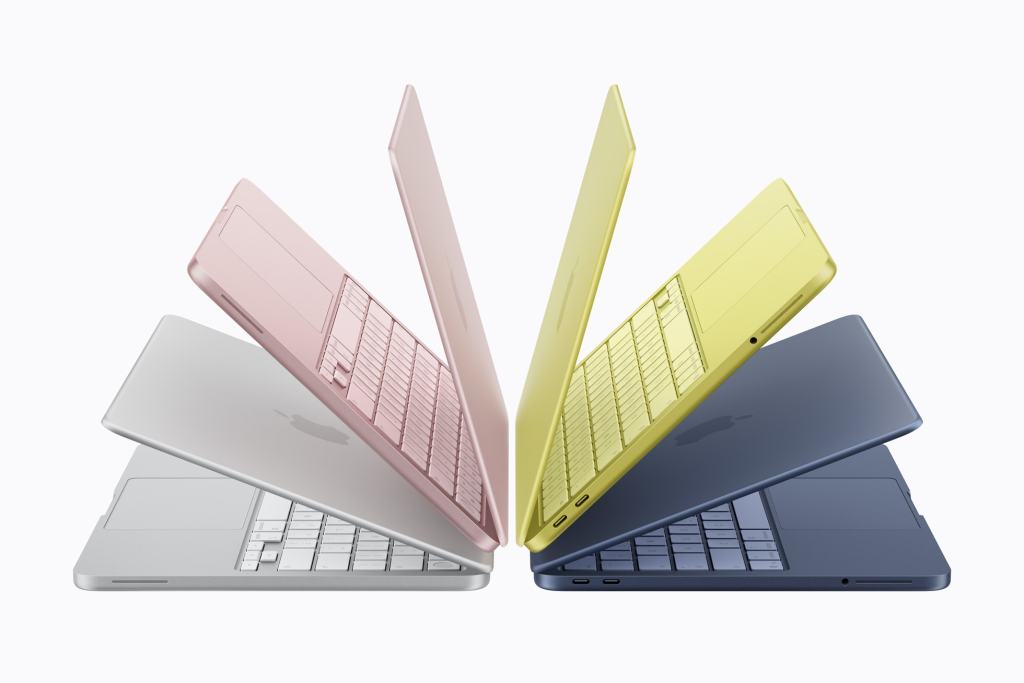
MacBook Neo cometh.
Now the wait is over.
On March 4, 2026, Apple announced their newest laptop, MacBook Neo. It sported an iPhone chip, the A18 Pro, with 8GB of RAM in an aluminum body, and came in four colors, silver, blush, indigo and citrus. Storage options are 256GB and 512GB, the latter comes with Touch ID. It has a 2048 by 1506 13-inch Liquid Retina display with 500 nits of brightness, and supports Apple Intelligence.
It’s not what I was hoping for; I wished for a laptop that was as small as the 2015 MacBook with modern bits inside. MacBook Neo is a bit smaller than the 13-inch MacBook Air (29.75 cm by 20.64 cm versus 30.41 cm by 21.5 cm) but it’s thicker (1.27 cm versus 1.13 cm). They weight the same at 1.23 kg.
But the price. Oh, the price. MacBook Neo is priced at $599 for the 256GB variant, and $699 for the 512GB. That’s ₱39,990 for the 256GB and ₱46,990 for the 512GB here in the Philippines. For education, the price drops to $499 (or ₱33,990) and $599 (or ₱39,990), for the 256GB and 512GB versions, respectively.
MacBook Neo isn’t the MacBook replacement I was hoping for but it’s close enough.
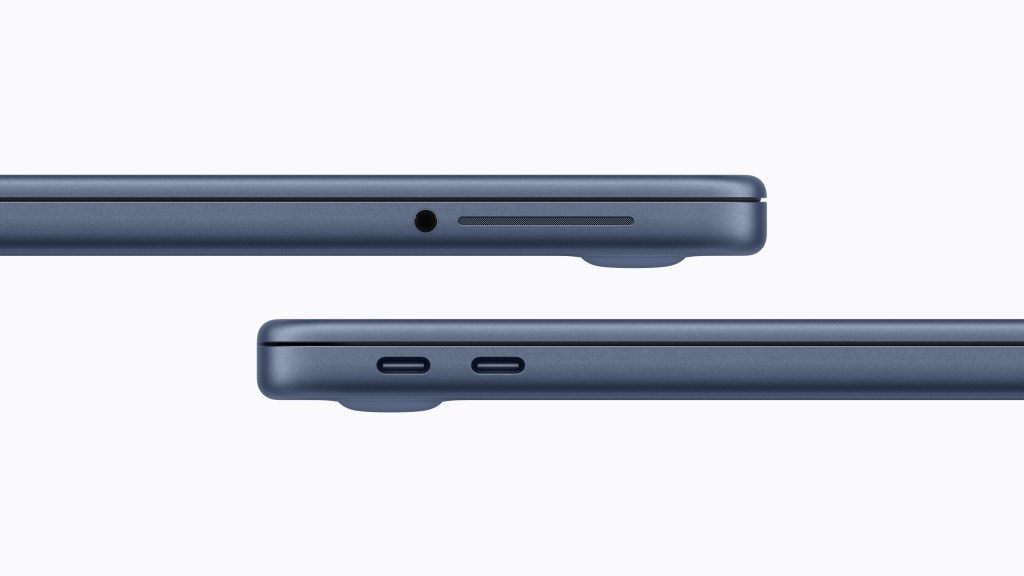
Dealbreakers. Are they really?
But before I decide to purchase MacBook Neo, I watched several YouTube videos and listened to a few podcasts to get the creators’ and podcasters’ initial impressions. Along with the impressions are their perceived downsides of the device, or as some of them call it, dealbreakers.
I don’t see the 8GB RAM as a problem since my use case won’t put much of a dent on the memory. I’ll be using a database app for managing patients and printing out prescriptions. I’ll also be using a word processor and a reference management app for doing research. Then there’s some surfing and media consumption on the side. I think 8GB is enough for me.
There’s a lot of griping about MacBook Neo not having a backlit keyboard. It’s a non-issue for me since I’ll mostly be using MacBook Neo in well-lit rooms. In terms of storage, MacBook Neo comes in 256GB and 512GB variants but I’ll picking the 256GB since I won’t be requiring a lot of storage. I plan to turn off syncing of Photos from iCloud to save on space. Display-wise I won’t mind the lack of P3 and True Tone since I really don’t notice these features at all. I even have True Tone turned off on my MacBook Pro.
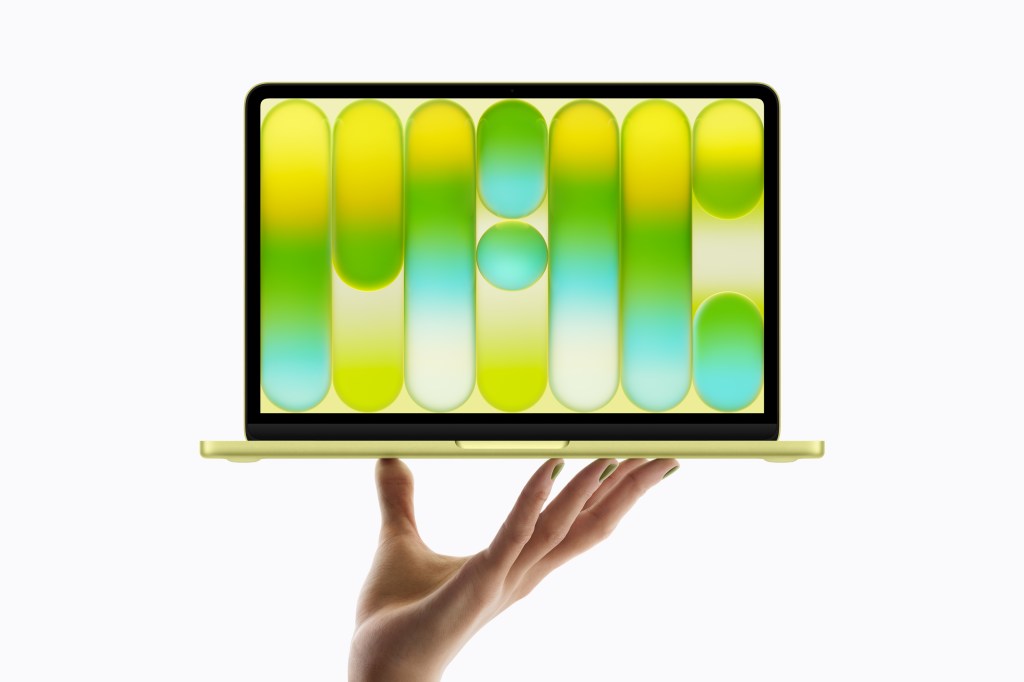
I ordered MacBook Neo from Hong Kong and I’m waiting for it to be shipped here. I’m expecting it by the end of March. I’ll post my initial thoughts once I have it and then perhaps post a follow up after a month of use.
 Hurricane of the Mind